How to use IPTV on an Amazon Fire TV Stick
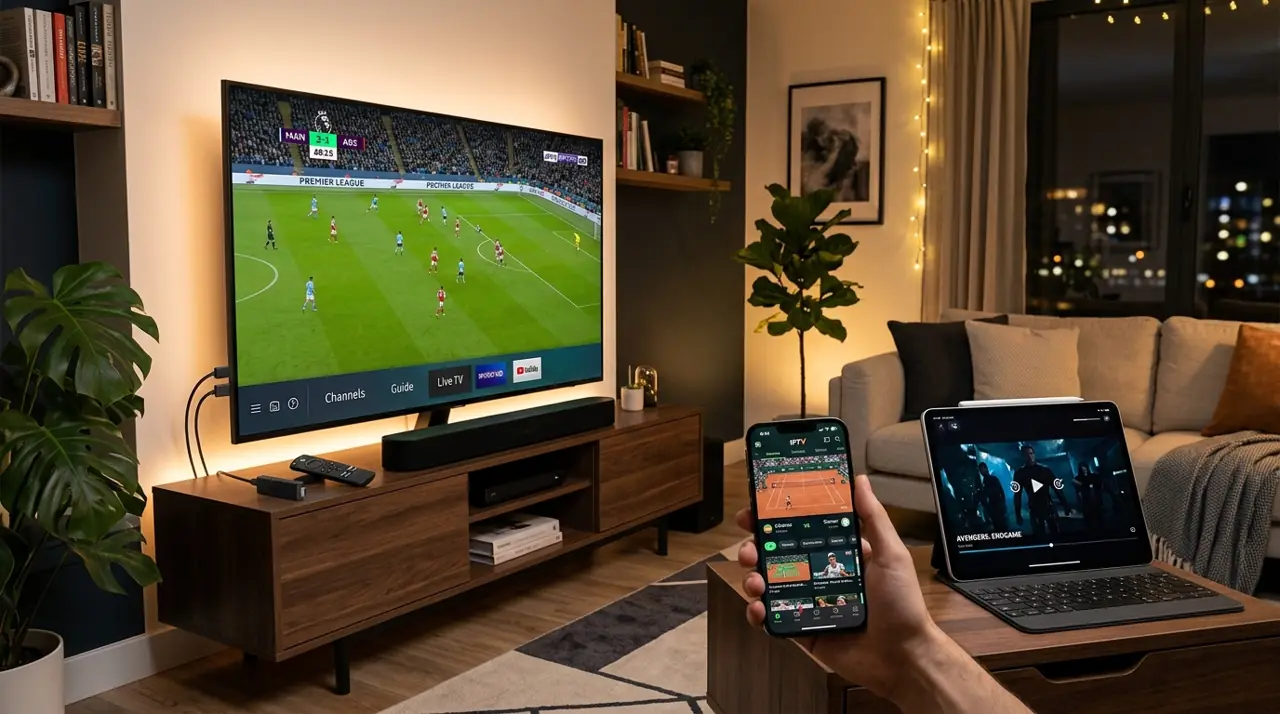
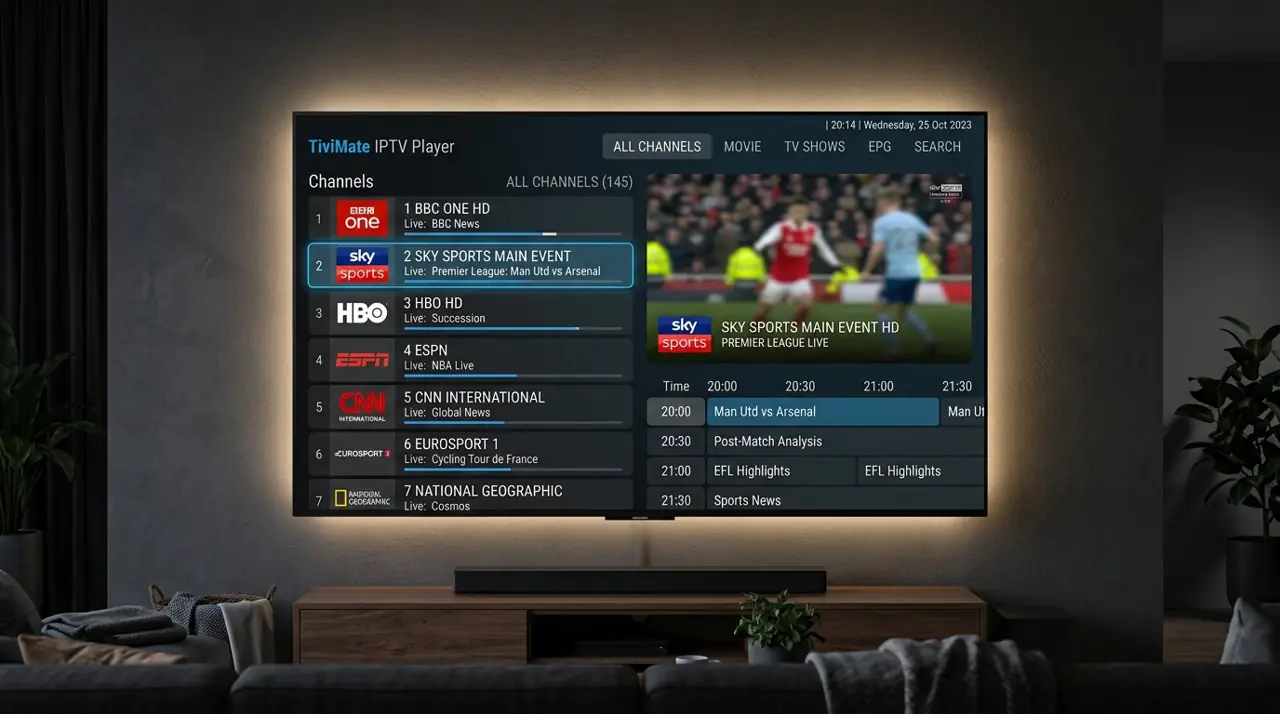
A Fire TV Stick can run IPTV through a compatible player app. Check that the app is available for your device and supports the login format your provider supplies before you subscribe.
Firestick IPTV setup overview
- Connect the Fire TV Stick to your TV and home internet.
- Install a player from the Amazon Appstore where available.
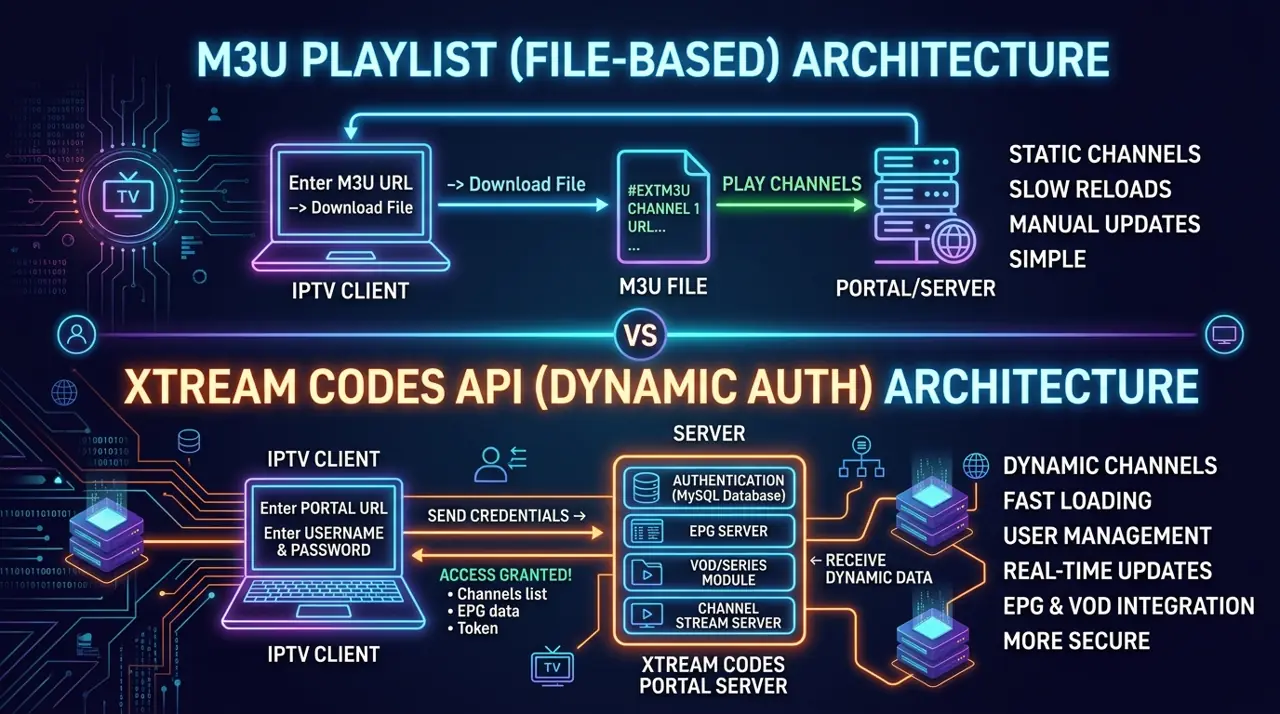
- Choose the login method in your provider's setup instructions.
- Enter the details privately and test playback before relying on it.
Common Fire TV checks
Keep the device software and player up to date, leave storage space available, and test Wi-Fi at the TV. If an app is not in the official store, research its source and permissions before sideloading anything.
Check your provider's connection limit if you use more than one Firestick. Compare GetIPTV AU device plans and choose the right count at checkout.