Fix IPTV buffering with these eight checks
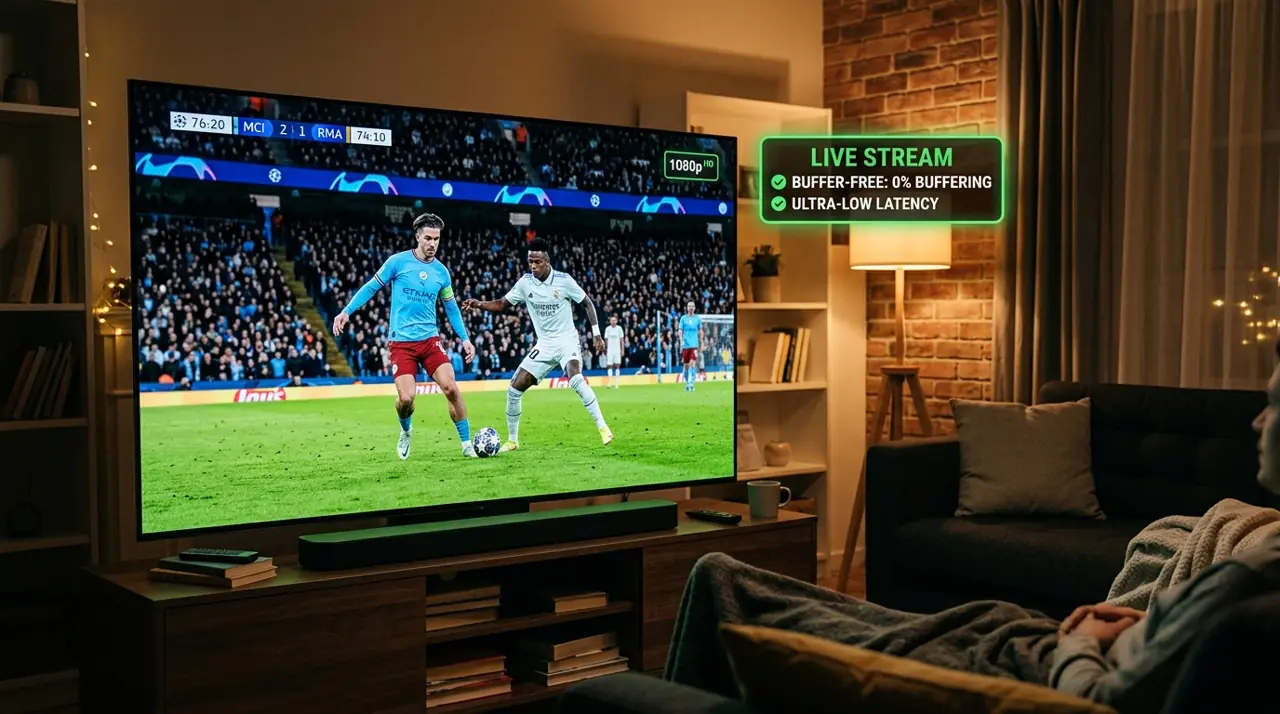
Buffering on IPTV can come from your Wi-Fi, busy internet connection, streaming device or a specific channel. Work through these checks before deciding the subscription itself is the cause.
Eight checks for IPTV freezing
- Restart the router and streaming device.
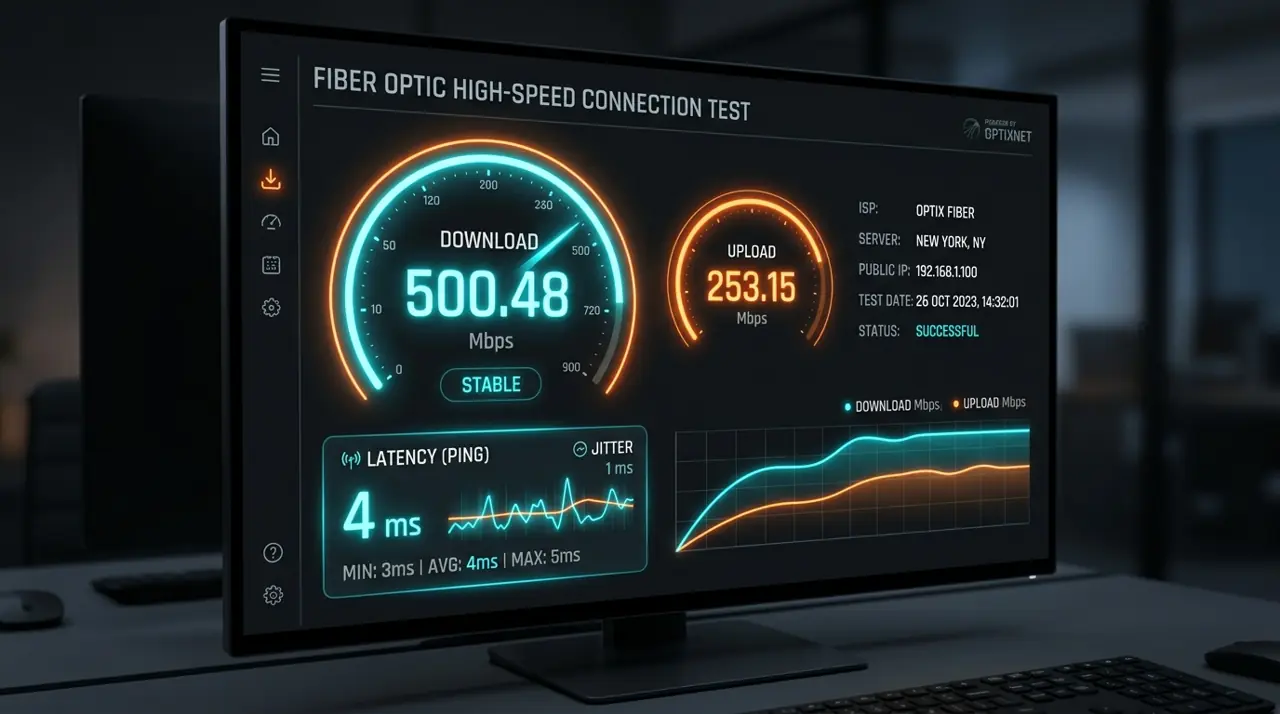
- Test internet speed on the TV at the time buffering occurs.
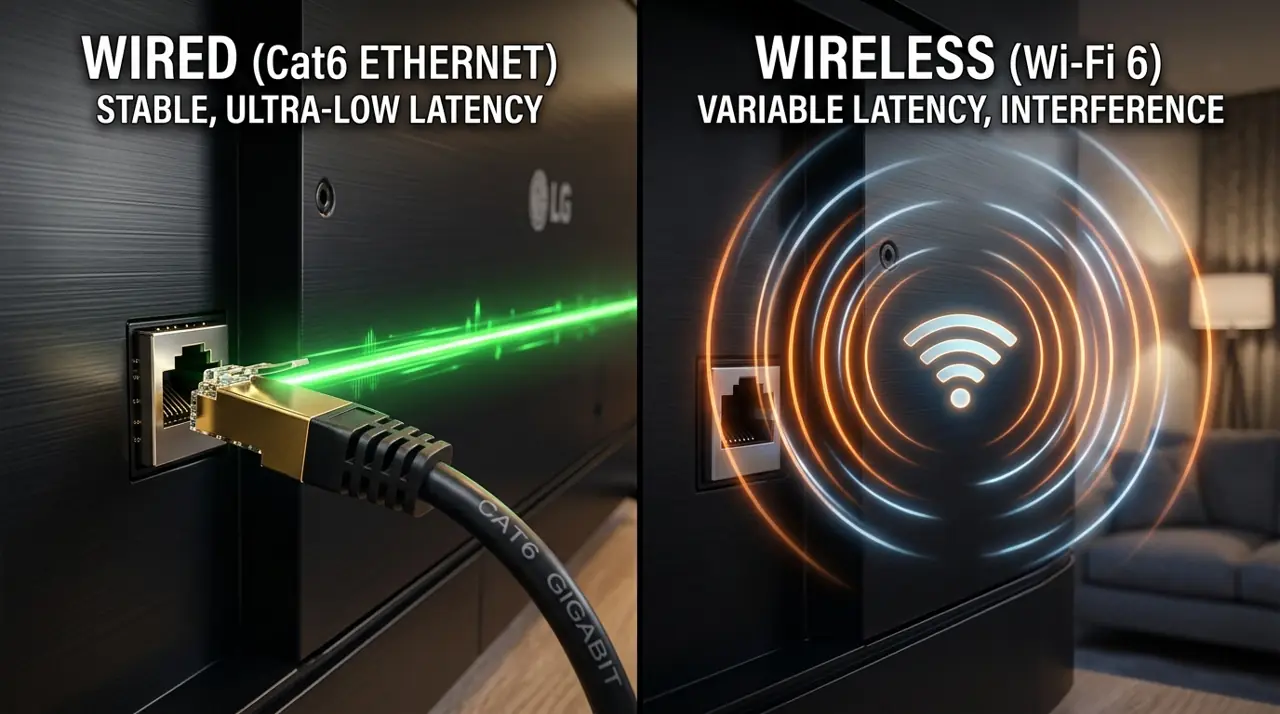
- Try Ethernet or move closer to the Wi-Fi router.
- Pause large downloads and other streams.
- Close unused apps and free storage on the device.
- Update the player and device software.
- Try other channels and another app to compare.
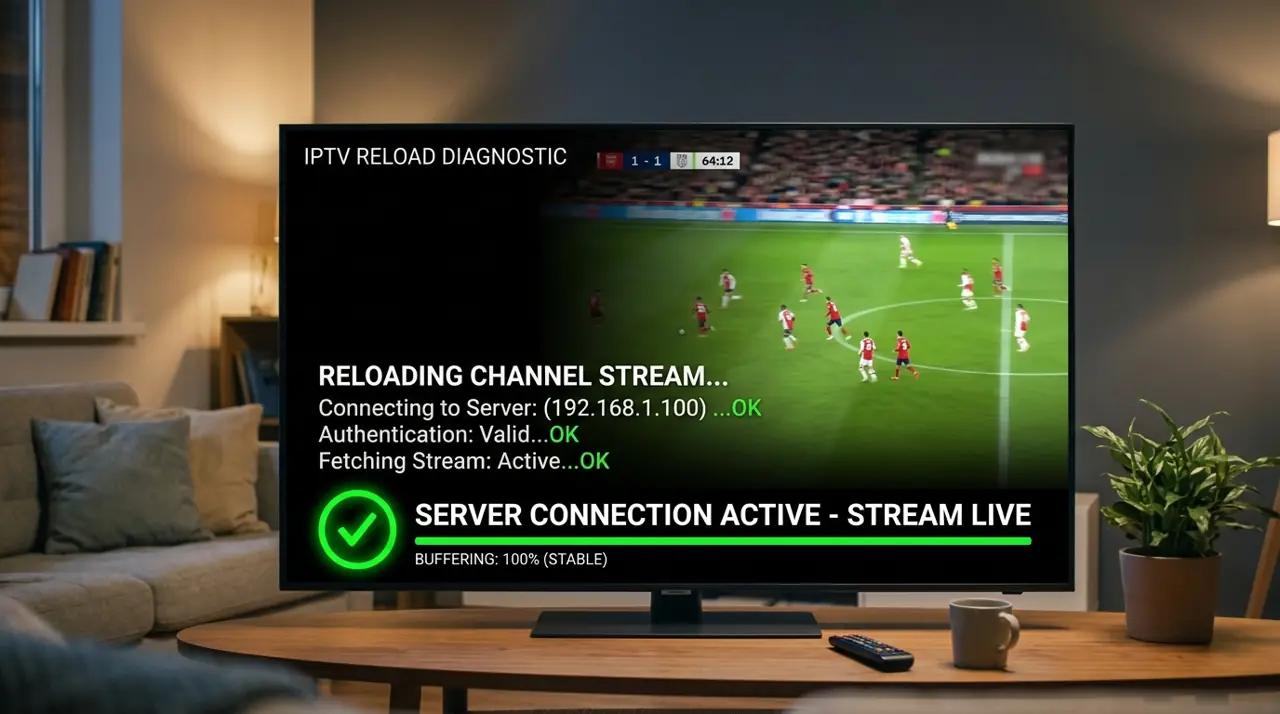
- Contact support with the device, app and time of the issue.
Does it only happen at peak times?
Compare results during the evening and at quieter times. If other apps slow down too, ask your internet provider about the connection. If only one channel is affected, report that channel to your IPTV provider.
When comparing services, check what support is offered and read plan conditions. See GetIPTV AU plans.