IPTV not loading: diagnose the problem before replacing your service
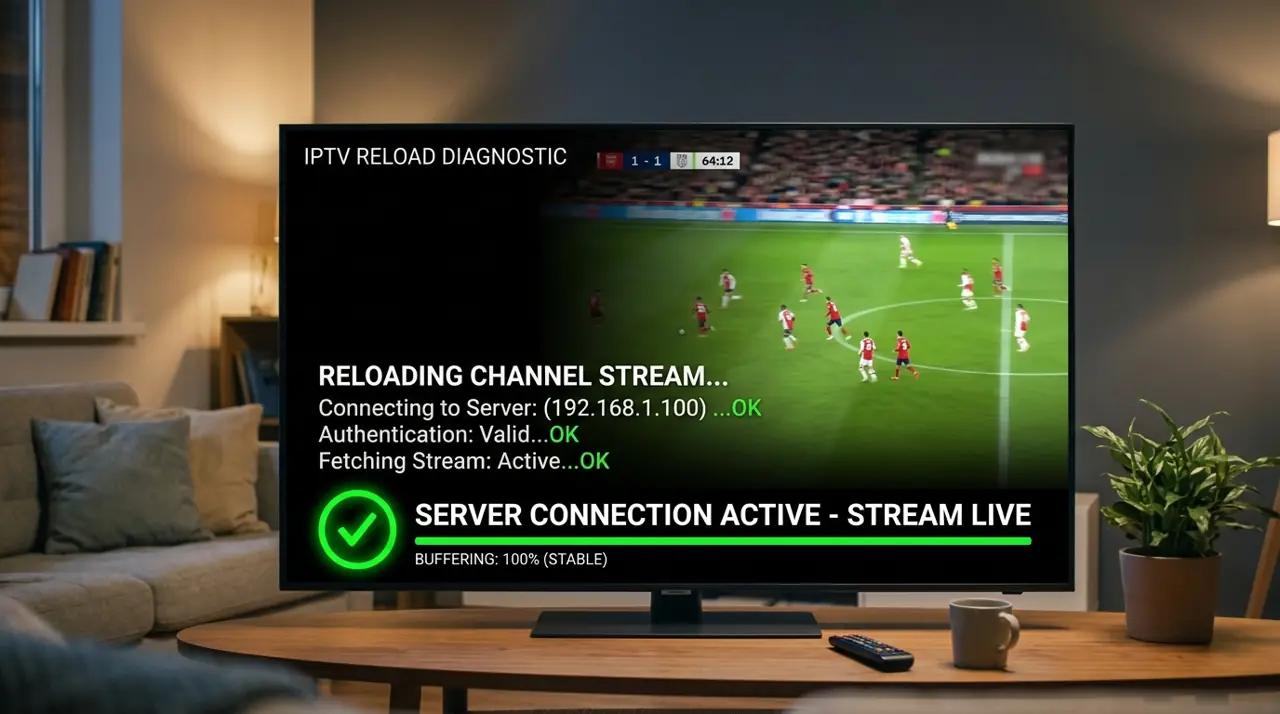
When IPTV is not loading, first check whether other apps and channels work. That helps identify whether the cause is your internet, a single stream, the player app or your account.
Quick checks for IPTV errors
- Open another streaming app on the same device.
- Restart the TV or streaming stick and the player app.
- Confirm your account is active and the device limit has not been reached.
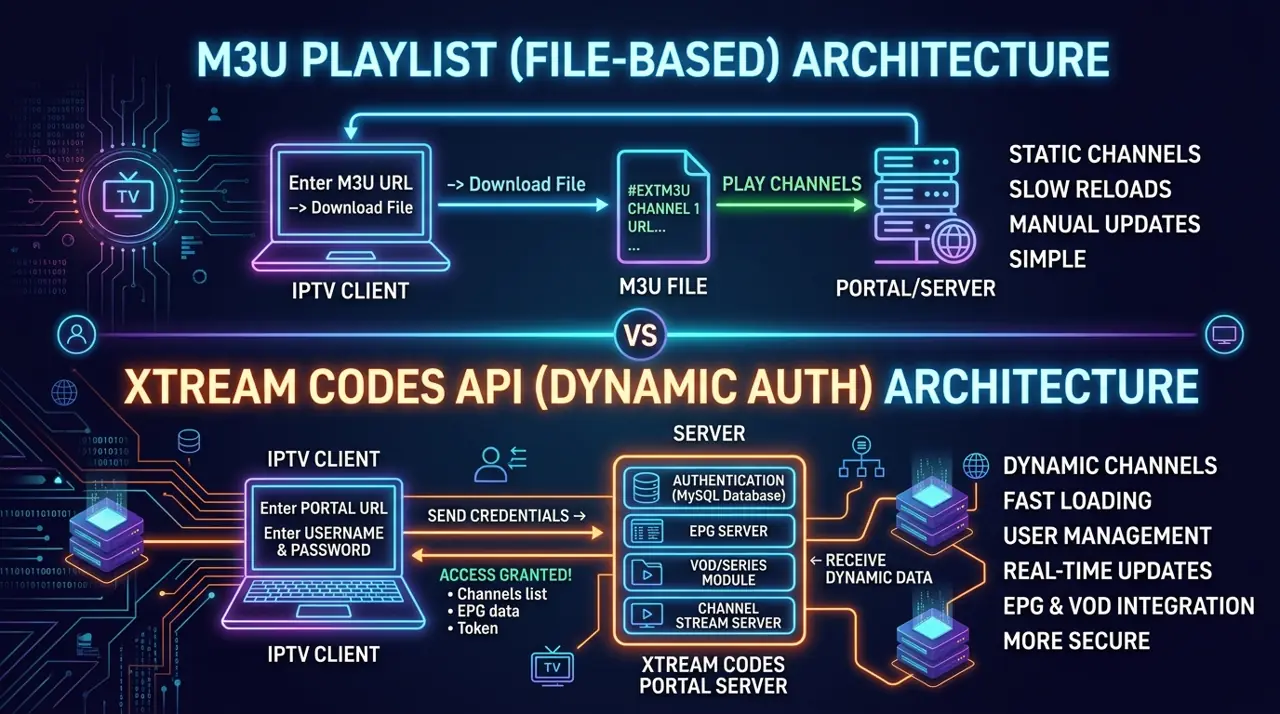
- Re-enter the login details and check the selected login type.
- Update the player from its official store and verify the device time.
- Try another channel and note whether only one stream fails.
When to contact support
Share the device, app, time of the error and whether other channels load. Never post account credentials or playlist links in public. If you are comparing providers, check support terms and setup requirements before you buy.