How to choose an IPTV player app for your device
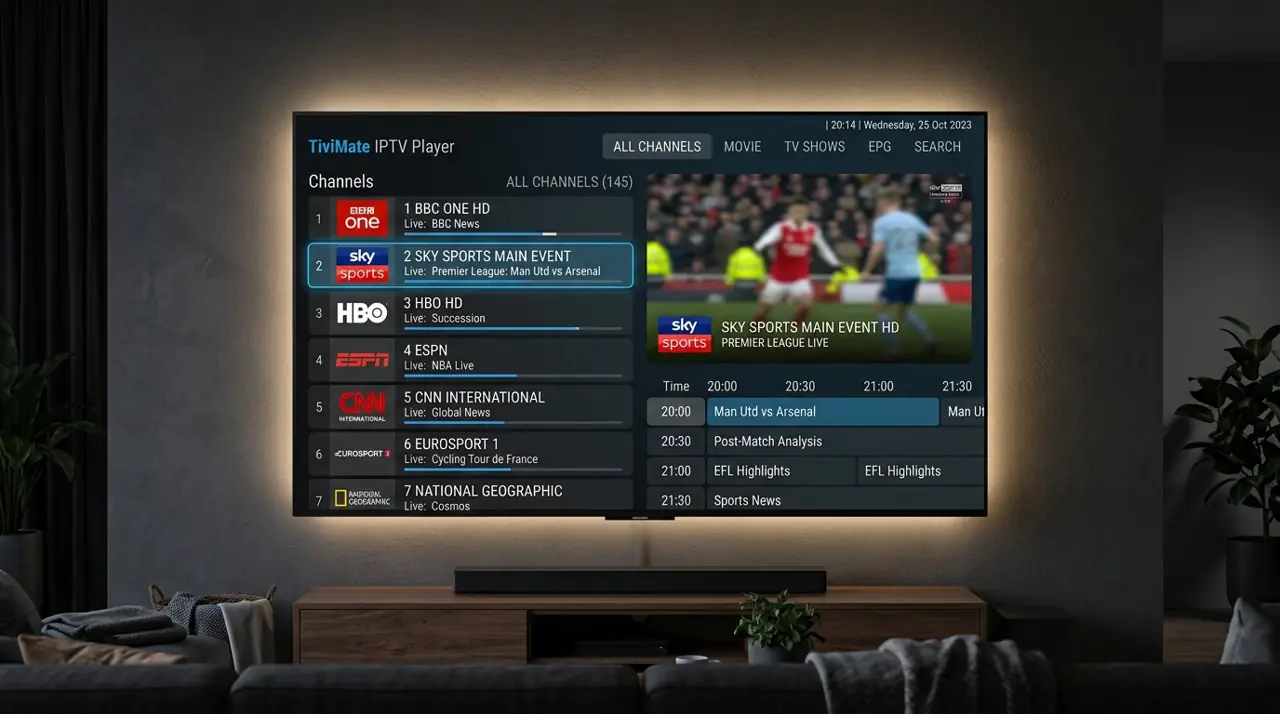
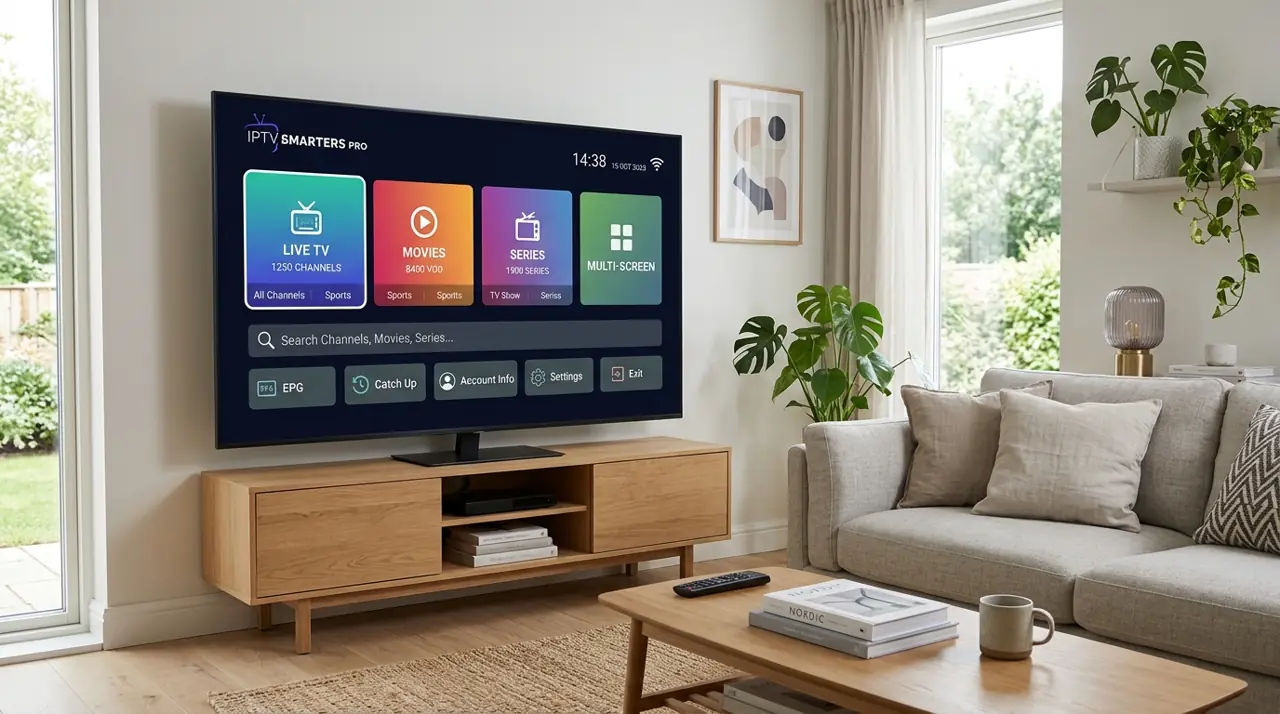
An IPTV player app is separate from an IPTV subscription. The right app depends on your device, the login format your provider supports and the features you want.
Features worth checking
- Available in your device's official app store.
- Supports your provider's M3U or Xtream Codes login.
- Works well with a TV remote and has readable channel navigation.
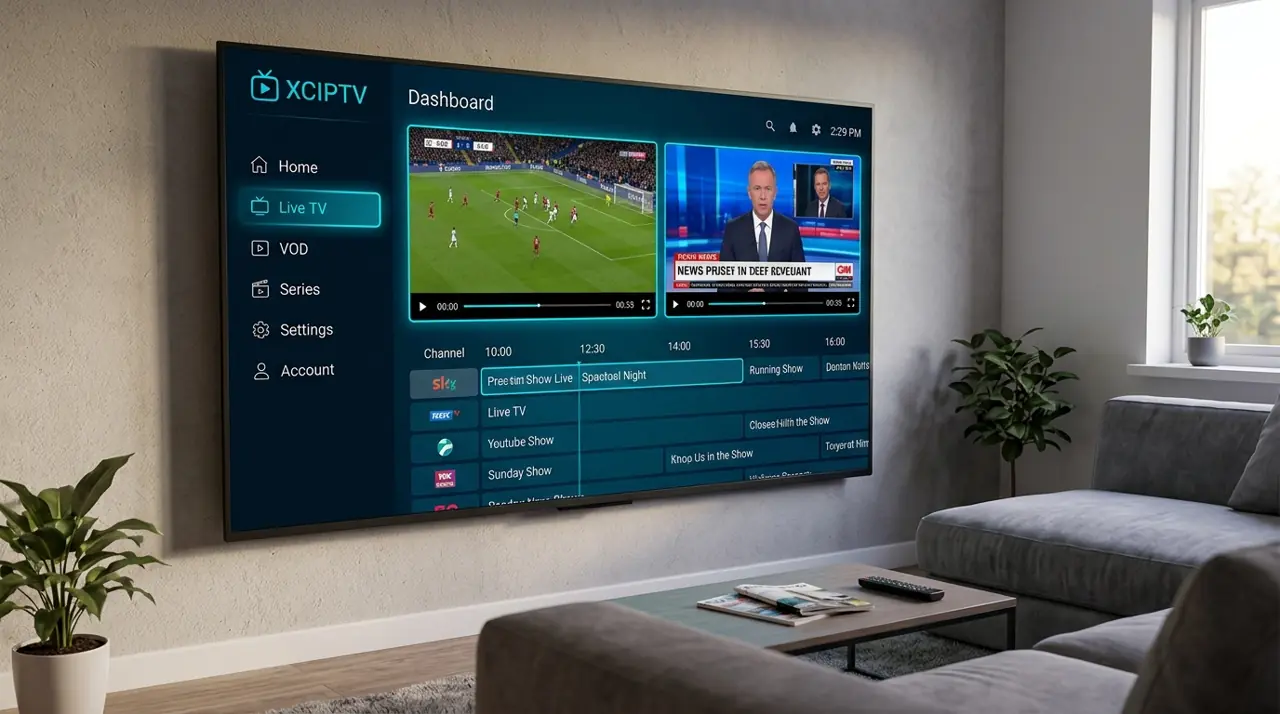
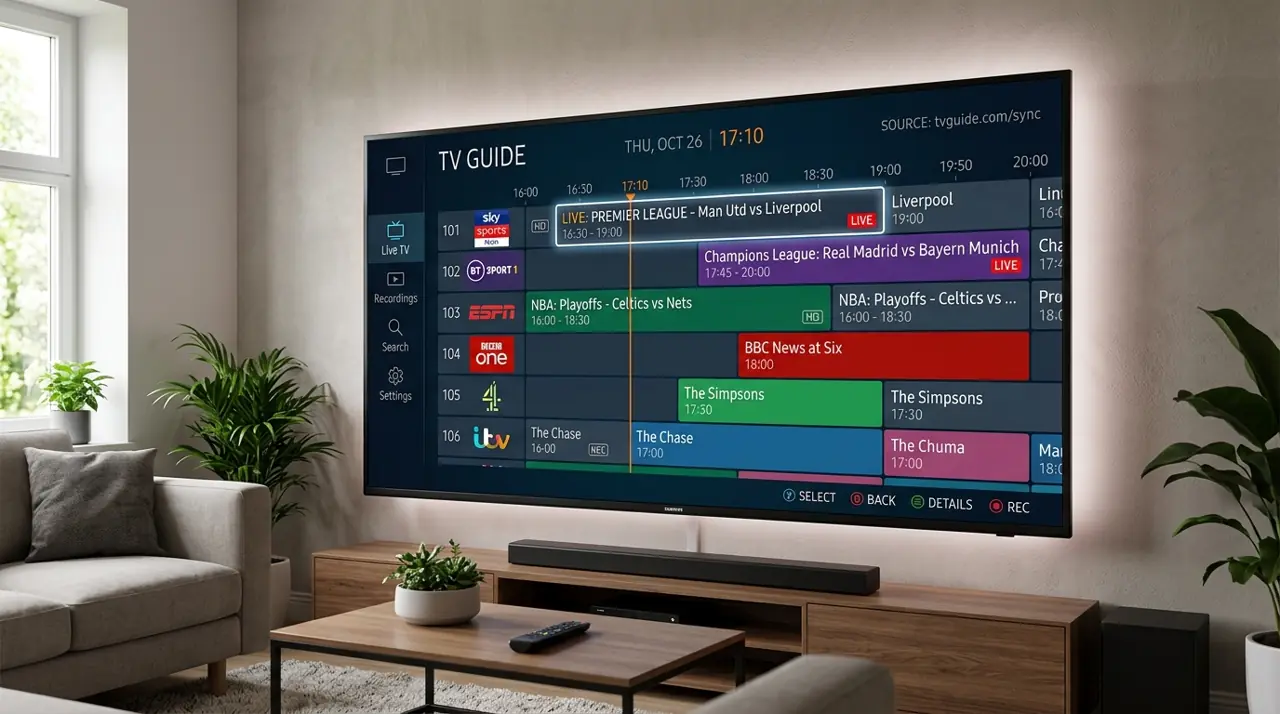
- Includes an EPG if you want an on-screen programme guide.
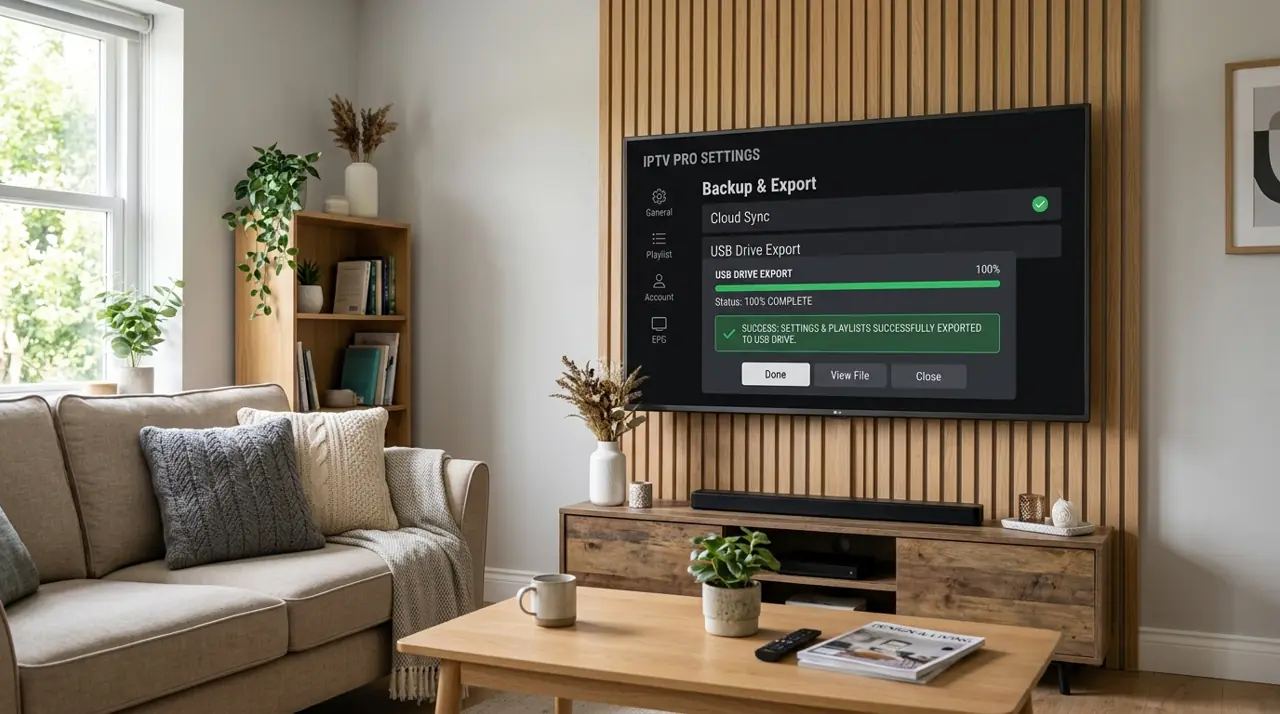
- Has clear privacy details, developer support and pricing.
Check for extra app costs
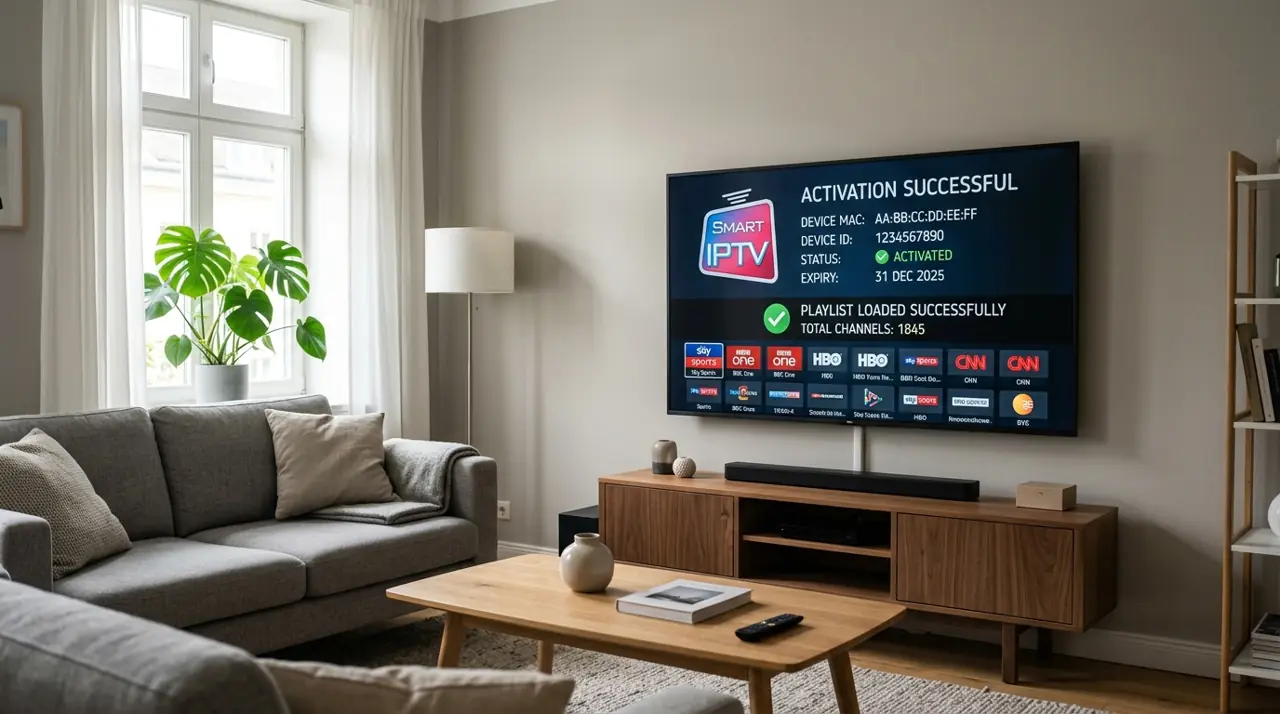
Some players are free, some offer paid upgrades, and some require a separate activation fee. That cost may be separate from your subscription and is usually paid to the app developer.
After checking app compatibility, compare subscription plans and device counts before buying.