What you need for 4K IPTV streaming
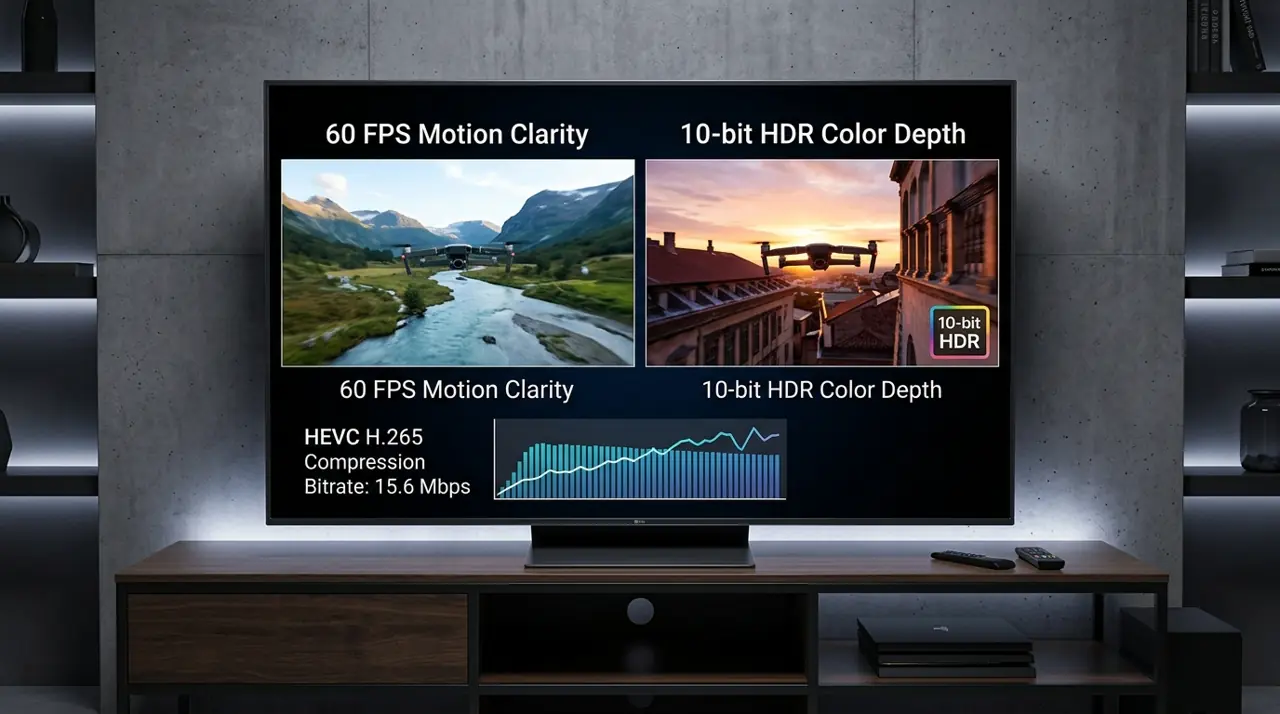
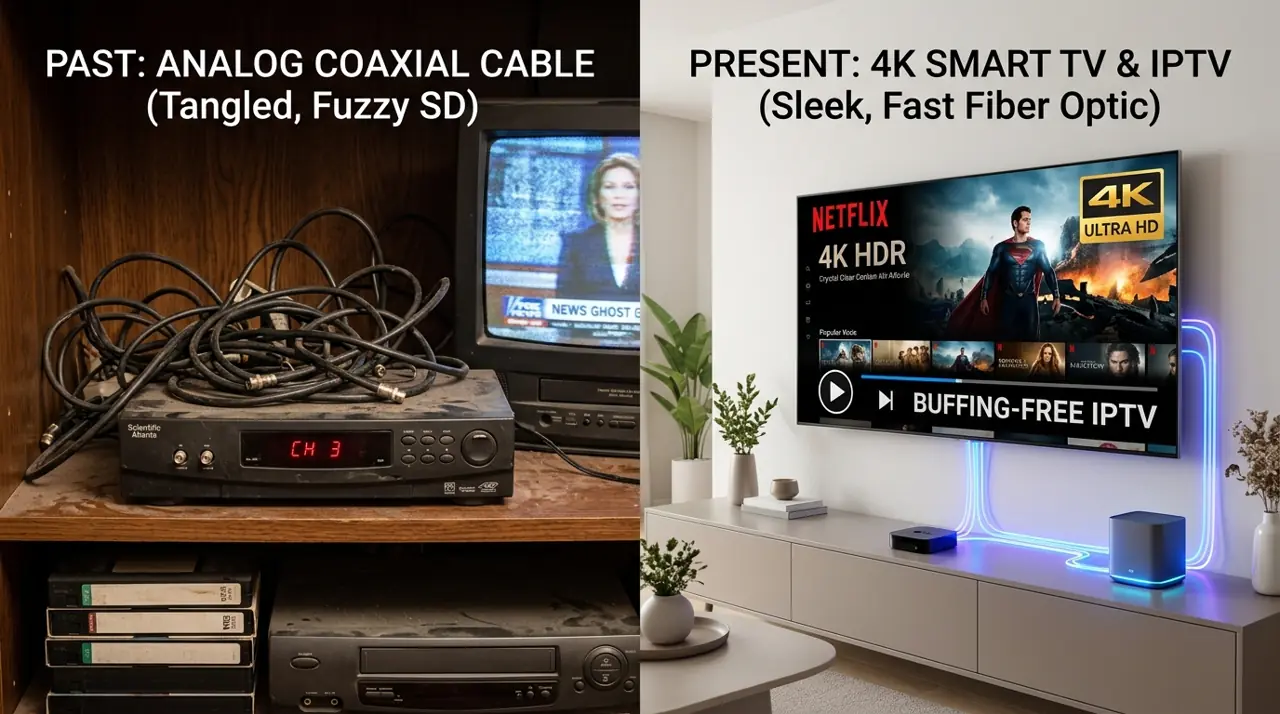
A 4K television does not make every IPTV channel or programme 4K. The source stream, player, device, HDMI setup and network all need to support the resolution.
4K IPTV checklist
- Confirm the TV and streaming device support 4K output.
- Check the player app supports the video format.
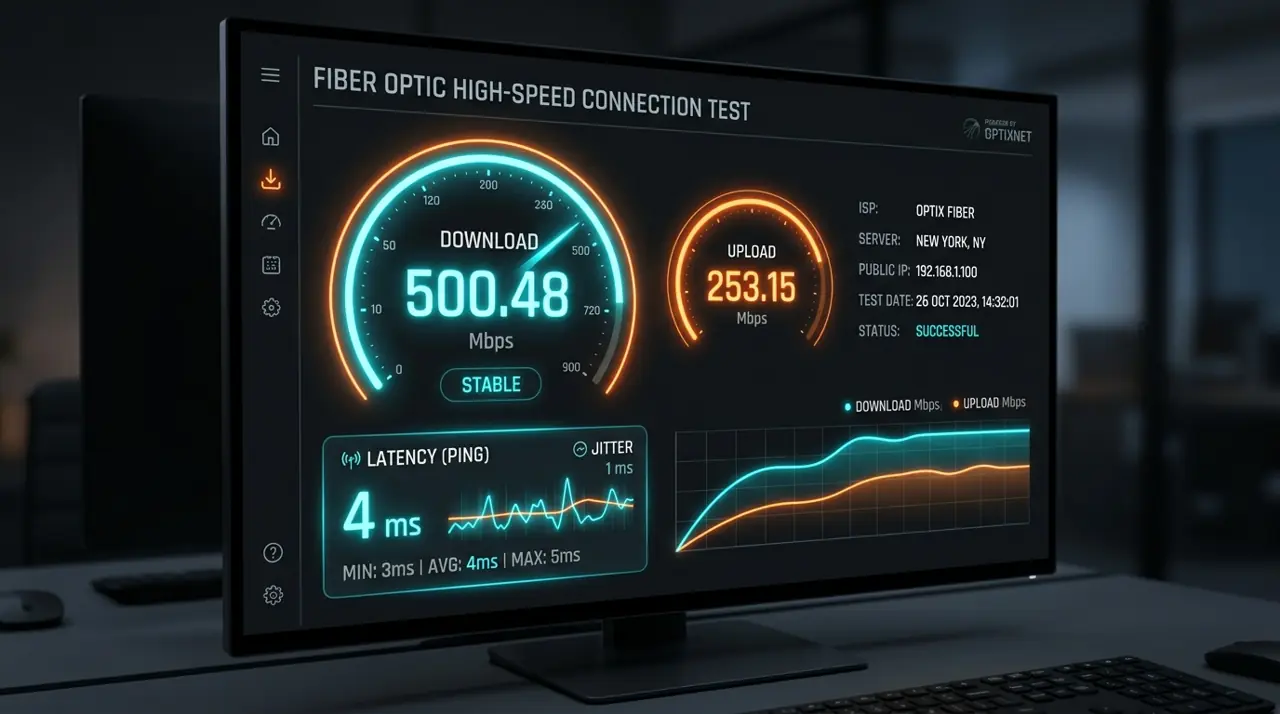
- Use a stable network and allow around 25 Mbps or more per stream as a practical starting point.
- Review HDMI input and picture settings if the image looks soft.
- Ask whether the specific content you want is actually available in 4K.
Check the source, not just the screen
Some streams are supplied in HD or may change quality with network conditions. Resolution can vary by channel and programme. Ask for current details and avoid assuming that every title will be Ultra HD.
Review GetIPTV AU plan details and line-up conditions before subscribing. Compare plans.